
Free app to manage and analyze your YouTube videos
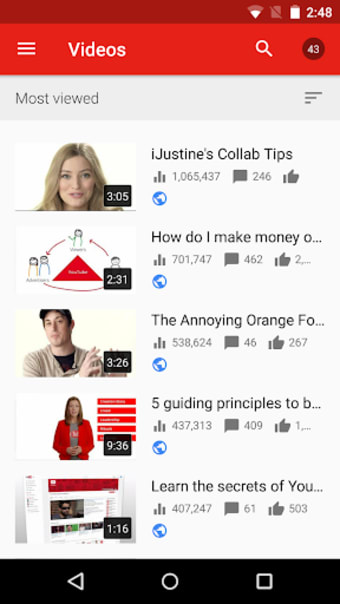
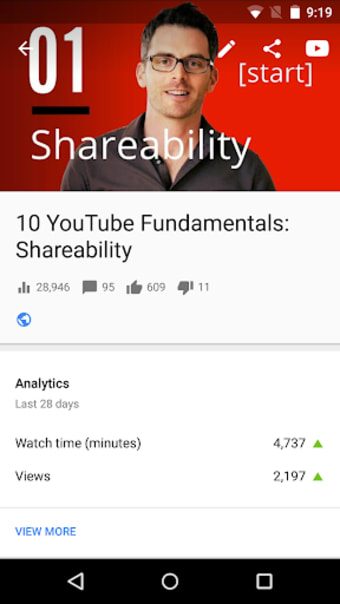
YouTube Studio is the handy official app by Google LLC that helps you manage and analyze your uploaded YouTube videos. This well-designed, official app allows you to quickly view all of your videos and track their performance. You can change info and settings for your uploads, such as the title, privacy settings, category, comments settings, etc. Uploading to your YouTube channels is also made easier with this studio manager.
Top Recommended Alternative
YouTube Creator also delivers easy-to-digest analytics for all your videos and allows you to set notifications for video activity. Its functions are limited, but it's useful nonetheless.
The ultimate creator spot
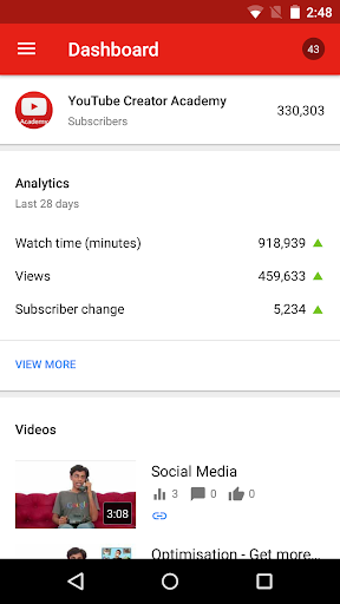
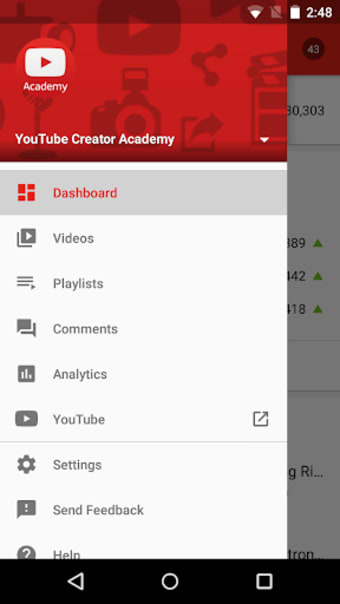
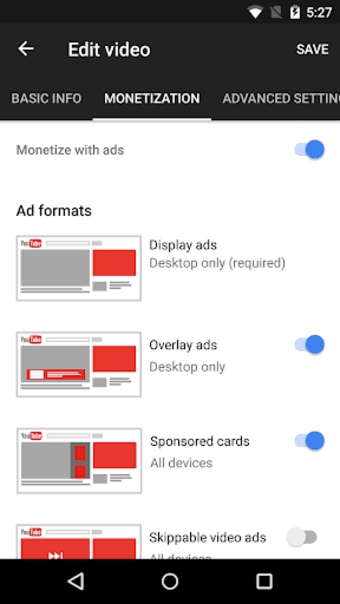
The official YouTube Studio app provides content creators a way to stay connected with their audience and track their content's performance. The app includes a Channel Dashboard for a quick overview of channel metrics and detailed Analytics for different types of content. Creators can also use the app to manage comments, customize their channel's appearance, and apply for the YouTube Partner Program to monetize their content.
The app also has an intuitive user interface that makes browsing seamless and accessing the tools you need easier. And since it has the essentials you need to manage your channel, you get all the freedom you need to work on the go. It also gives you a quick overview of your channel analytics, presented in an easy-to-read layout for ease of access.
However, it's still riddled with a couple of bugs, such as some comment notifications that refuse to disappear even when you tap the clear all button. Additionally, the video editor is a bit clunky to use, as it sometimes crashes when you're working on large batches of video clips, Nonetheless, it's still a nice app to have to keep track of your channel anywhere you are.
Has the essentials
The official YouTube Studio app provides content creators with a way to stay connected with their audience and track their content's performance. It has a quick overview of channel metrics and detailed analytics for different types of content. Content creators can also use the app to manage comments and customize their channel's appearance. Despite the bugs, it's still a great tool to have.